
How to Search Yavapai County Court Records
The Arizona Judicial Branch hosts the free Public Access Case Lookup. The tool covers Yavapai County Superior Court, the five county Justice Courts, and most of the local Municipal Courts. The dropdown lists Bagdad Justice, Camp Verde Municipal, Chino Valley Municipal, Clarkdale Magistrate, Cottonwood Municipal, Dewey-Humboldt Magistrate, Jerome Municipal, Mayer Justice, Prescott Justice, Prescott Municipal, Prescott Valley Municipal, Sedona Municipal, Seligman Justice, Verde Valley Justice, Yarnell Justice, and Yavapai County Superior. A CAPTCHA sits in front of the search form. Case data is refreshed each Friday and reflects events through the Wednesday of that same week.
Before you start, gather what you have. A case number is fastest. A sample number looks like CV-200812345. Without one, use the last name or business name. Add a first name and year to cut down false matches. For document images on a Superior Court civil or criminal case filed on or after July 1, 2010, switch to Arizona eAccess. Sealed, closed, confidential, protected, or otherwise restricted cases stay out of both portals.
A quick lead-in: the screenshot below pins the Public Access Case Lookup home page from apps.azcourts.gov.
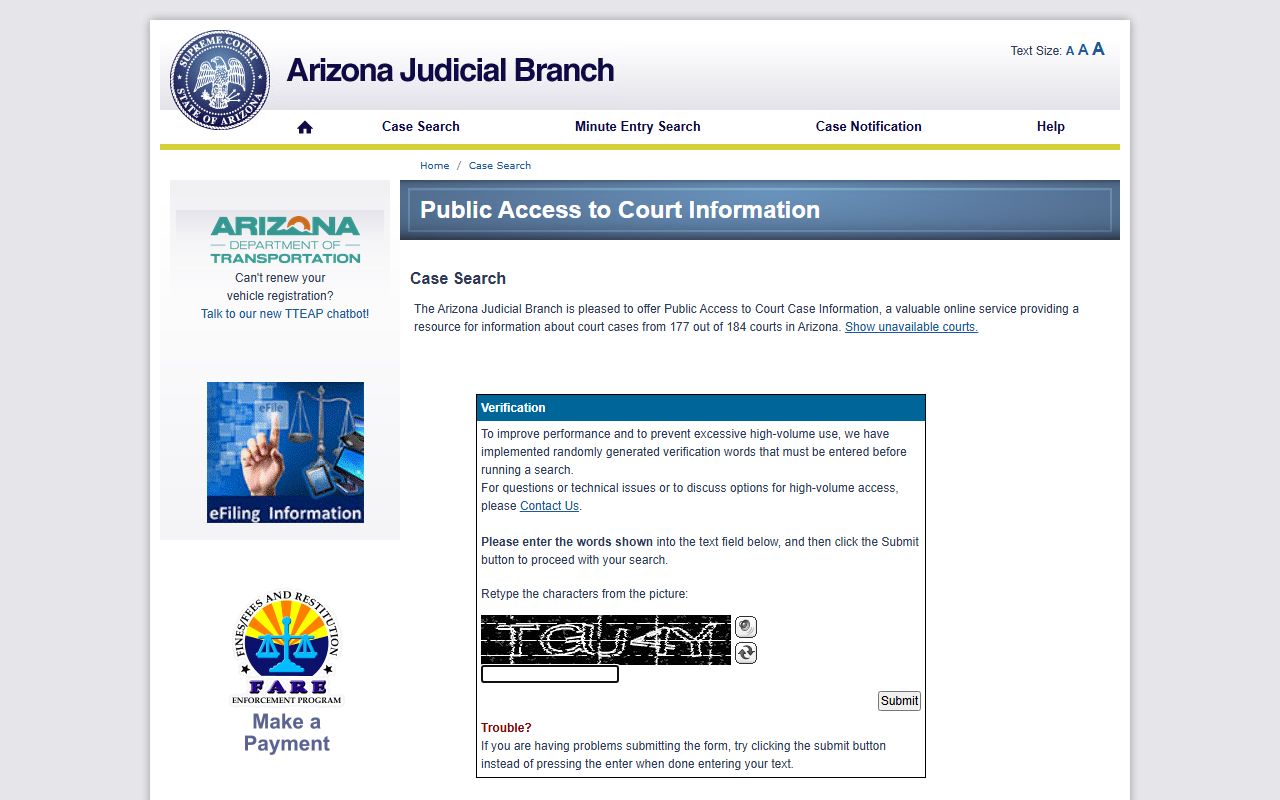
The portal page shows the CAPTCHA gate, then opens the Case Search, Minute Entry Search, and Case Notification tabs. The same site offers Help and FAQs for first-time users.
- Open the Public Access Case Lookup and clear the CAPTCHA. The site asks you to retype the displayed characters before any search field opens.
- Pick a search mode. Use Case Search for a case number, Minute Entry Search for hearing notes, or Case Notification to track updates by email.
- Enter a last name or business name. Add a first name, year filter, and court filter if you know them. The site requires at least the last name or business name for a party search.
- Choose the court in the dropdown. Pick Yavapai County Superior, the right Justice Court, or the right Municipal Court. Use "All Searchable Courts" only when you do not know.
- Review the result list. Open the case to view the docket, parties, status, filing date, and minute entries.
- For documents on Superior Court civil or criminal cases filed on or after July 1, 2010, open eAccess. Set up an account and pay any document fee.
- For certified copies, raised seals, or pre-1992 records, email the Clerk at YavapaiRecordsManagement@courts.az.gov or visit Room 207 at the Prescott courthouse.
Note: Same-day filings, hearing notes, and new warrants may not appear until the next refresh cycle on the Friday after the Wednesday cutoff.
Public Access Case Lookup Search Fields
The portal is short on fields by design. Most users land on a name search or a case-number search. The CAPTCHA blocks bulk scraping. The court dropdown narrows the database to a single Yavapai bench. The year dropdown stretches from 2026 back to 1916, which is helpful for old Justice Court files. The case-number text box accepts the full format shown in the validation example.
| Field Label | Type | Required | Notes / Format |
|---|---|---|---|
| CAPTCHA / Retype characters | Text | Yes | Submit before any search field opens. |
| Search mode / tab | Tab | Yes | Case Search, Minute Entry Search, Case Notification. |
| Last Name or Business Name | Text | Yes for name search | Validation: "Please enter a Last Name or Business Name." |
| First Name | Text | No | Narrows party search; helpful with common last names. |
| Date of Birth | Text | No | Used in many Arizona name searches; format not always exposed. |
| Court | Dropdown | No | Default "All Searchable Courts"; Yavapai courts listed by name. |
| Year | Dropdown | No | Range from 2026 back to 1916. |
| Case Number | Text | Yes for case-number search | Sample format: CV-200812345. |
| Search / Submit | Button | Yes | CAPTCHA button labeled "Submit"; search buttons appear after CAPTCHA. |
Use the year filter to drop false matches across decades. Use the court filter when the case sits in a known Justice Court. Case-number search is the fastest route to a single file.
Yavapai County Court Records Through eAccess
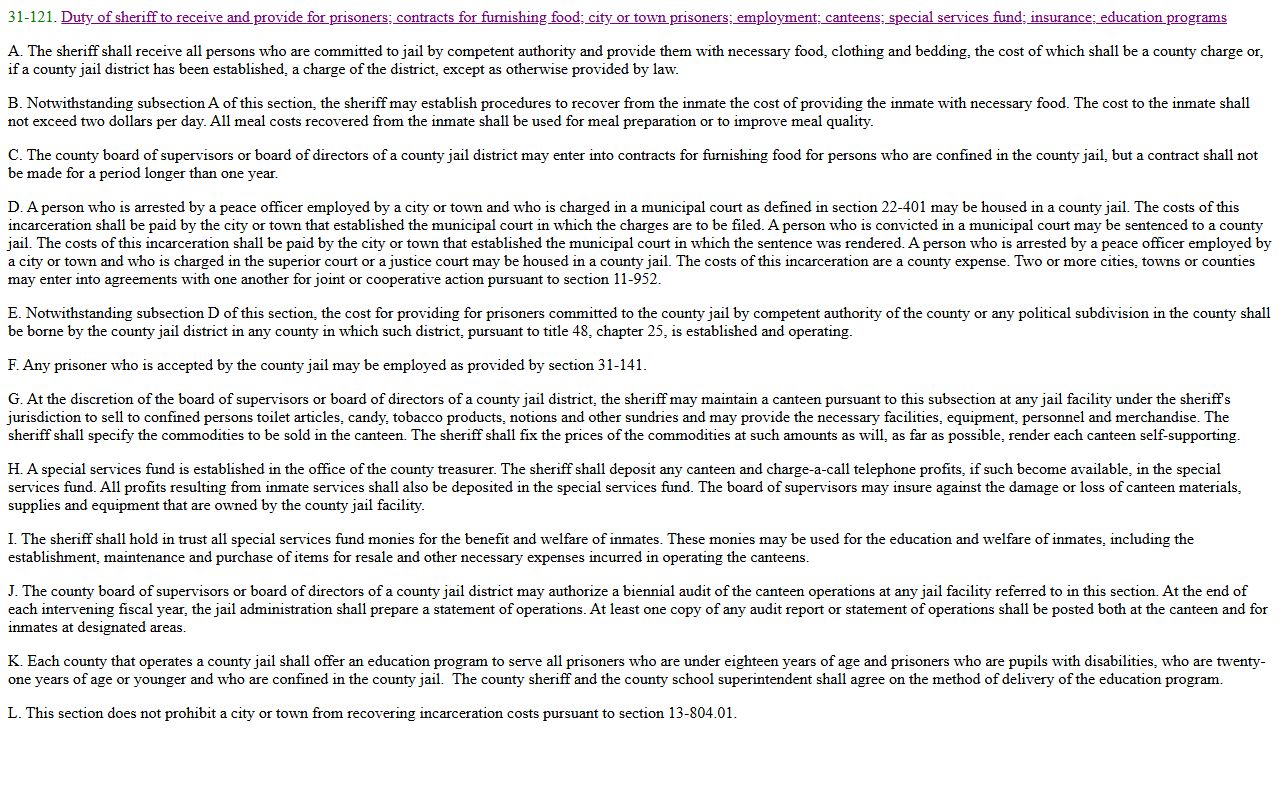
Public Access shows case index data. It does not sell document images. For images, switch to Arizona eAccess. eAccess offers 24/7 online access to Arizona Superior Court case records for civil and criminal cases filed on or after July 1, 2010. Sealed, closed, confidential, protected, or otherwise restricted cases are not available there. Most Yavapai Superior Court civil and felony files from the past 15 years are eligible.
The eAccess info page on the state court site walks new users through registration, fees, and search limits. The screenshot below comes from that same page on azcourts.gov.
The eAccess service complements Public Access. The screenshot below lands on the eAccess login page itself from eaccess.azcourts.gov.
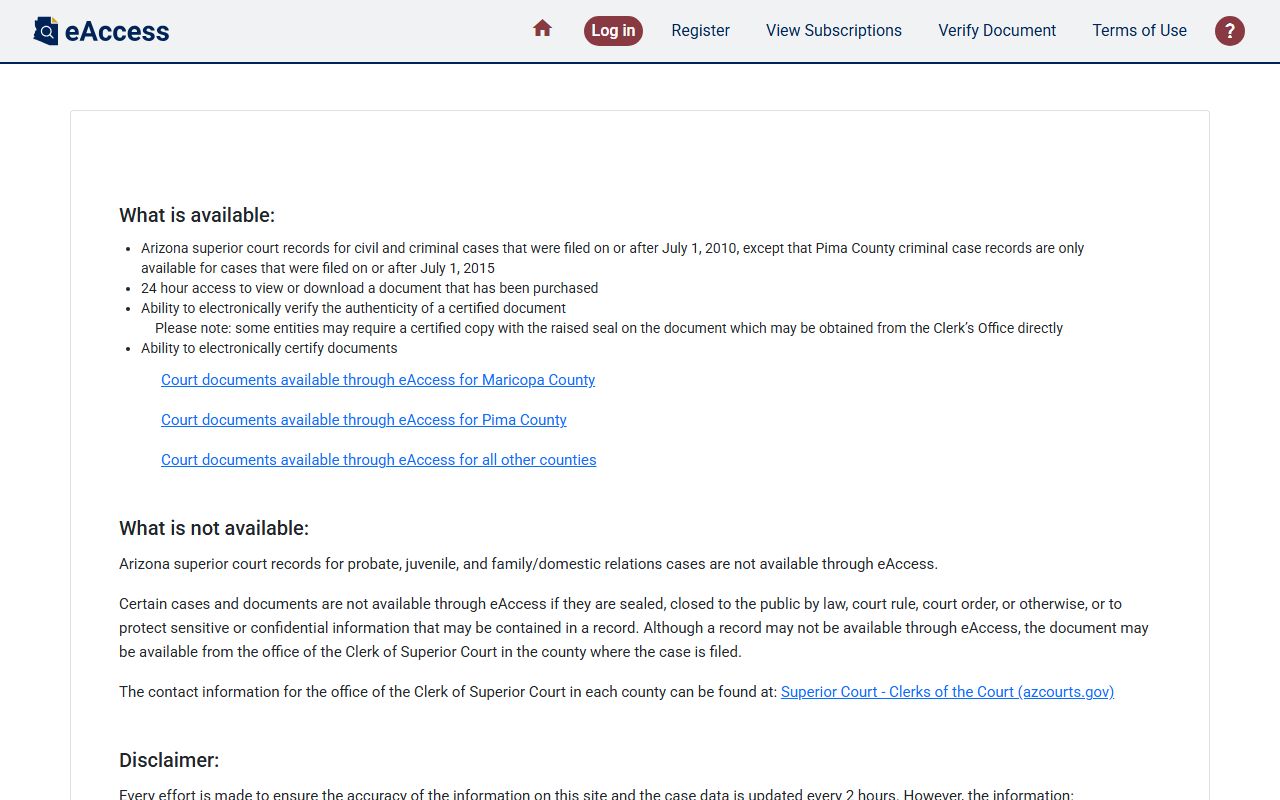
Plan for an account step and a small document fee. Older paper cases must come from the Clerk. Pre-1992 Yavapai records should be requested through the Yavapai County Courthouse in Prescott.
Types of Yavapai County Court Records
The county clerk and the courts produce a wide mix of files. Superior Court holds the biggest cases. Justice and Municipal Courts handle the smaller ones. The Clerk officially maintains civil, domestic, criminal, juvenile, and probate records under state law and court rules. Each record type carries its own access rules. Some are open. Some are sealed by court order. Some are limited by statute.
- Civil records. Complaints, answers, motions, judgments, writs, and appeal notices in Superior Court or Justice Court.
- Criminal records. Felony files at Superior Court; misdemeanors and traffic at Justice and Municipal Courts.
- Family records. Divorce, legal separation, paternity, parenting time, support, and name change.
- Probate records. Wills, estates, guardianship, conservatorship, and small estate affidavits.
- Juvenile records. Delinquency, dependency, severance, and adoption (heavily restricted).
- Marriage records. Licenses issued and recorded by the Clerk in Prescott or Camp Verde.
- Protective orders. Started through the statewide AZPOINT portal, then filed with a qualifying court.
For deeper looks at specific files, jump to the arrest records page, the marriage and divorce page, or the probate records page. Court schedules are listed on the court dockets page.
What Yavapai County Court Records Show
Most records show the same core fields. The exact view depends on case type, portal, and confidentiality flags. Public Access shows case index data; eAccess shows full document images for eligible Superior Court files. Sealed material is withheld in either case. The table below lists the fields a typical Yavapai case record displays.
| Field | What It Shows |
|---|---|
| Case Number | Format such as CV-200812345; prefix marks case type. |
| Court | Yavapai County Superior, Prescott Justice, Verde Valley Justice, or a named Municipal Court. |
| Filing Date | Date the complaint, petition, information, or indictment was filed. |
| Parties | Plaintiff and defendant, petitioner and respondent, state and defendant, or applicant and ward. |
| Case Type | Civil, criminal, family, probate, juvenile, small claims, eviction, traffic, or protective order. |
| Case Status | Active, pending, dismissed, disposed, closed, sealed, transferred, stayed, or warrant active. |
| Docket / Minute Entries | Hearings, motions, orders, continuances, judgments, sentencing, dismissals, and writs. |
| Hearing Information | Date, time, courtroom, judge, and hearing type when public. |
| Financial Fields | Filing fees, fines, restitution, bond amounts, and payment plan status. |
| Documents | Available through eAccess for eligible Superior Court civil and criminal cases filed on or after July 1, 2010. |
Redactions are common. Social Security numbers, financial account numbers, minor identifiers, victim contact details, and behavioral health notes are withheld under A.R.S. § 36-509 and related rules. Adoption and dependency content is not on the public side.
Public Access Laws for Yavapai County Court Records
Arizona starts with a broad presumption of access. Public records in an officer's custody are open during office hours. Court records also follow Arizona Supreme Court Rule 123, which sets the access standard for judicial files. The Clerk states plainly that sealed materials and records made confidential by court order may not be released without a separate court order.
The state's open records framework lives in Title 39. Clerk fees live in Title 12. Sealing relief lives in Title 13. Marriage records live in Title 25. Behavioral health rules live in Title 36. Each of these titles affects a part of the Yavapai court file system.
Key Statutes:
A.R.S. § 39-121 - Public records in an officer's custody are open to inspection during office hours.
A.R.S. § 39-121.01 - Defines public body, lists copy and printout rules, and covers mail examination.
A.R.S. § 39-121.03 - Covers commercial purpose requests and the fee that may apply.
A.R.S. § 39-121.04 - Provides a special action route when a public-record request is denied.
A.R.S. § 12-284 - Clerk fee statute cited by Yavapai for $0.50 per page and $35 certification.
A.R.S. § 8-208 - Governs juvenile court records and public inspection exceptions.
Anyone can ask for nonexempt records. The Clerk does not require a stated reason. Fees apply for copies. ID rules may apply for certified marriage records or sensitive files. A denial may be challenged through a special action under A.R.S. § 39-121.04.
Sealed and Confidential Yavapai County Records
Not every file is open. Sealed criminal records under A.R.S. § 13-911 are pulled from public search. Juvenile dependency, severance, adoption, and protected child information stay confidential under A.R.S. § 8-208 and court rules. Behavioral health records are shielded by A.R.S. § 36-509. Public Defender case files are protected by attorney-client privilege.
Sealing is not the same as set-aside. A set-aside under A.R.S. § 13-905 vacates the judgment of guilt and releases many penalties, but the record can still exist with a note that the judgment was set aside. Sealing under § 13-911 hides the record from ordinary public search but does not erase it. Law enforcement, courts, probation, and listed entities still have access.
A person who wants a sealed file viewed must file a motion with the court that issued the order. The Yavapai Self-Service Center provides forms for Application to Set Aside Conviction, Sealing Criminal Records, Marijuana Expungement, juvenile destruction, and juvenile set-aside.
In-Person Court Record Requests
The Clerk's main records counter sits in Room 207 at the Prescott courthouse. Office hours run Monday through Friday, 8:00 a.m. to 5:00 p.m. The Clerk accepts cash, check, money order, or credit and debit cards with a small convenience fee. Mail requests need a self-addressed stamped envelope or $8.00 postage. Email requests run through a quote step. The Clerk replies with the total due before payment runs through the online payment center.
Clerk of Superior Court, Prescott
120 South Cortez Street, Room 207
Prescott, AZ 86303
(928) 771-3312
Mon-Fri 8:00 a.m. - 5:00 p.m.
Clerk of Superior Court, Camp Verde
2840 North Commonwealth Drive
Camp Verde, AZ 86322
(928) 567-7741
Mon-Fri 8:00 a.m. - 5:00 p.m.
Records phone: (928) 777-7934
The Clerk's official Superior Court Records page shows the same email, the same phone, and the same fee schedule. The screenshot below comes from courts.yavapaiaz.gov.
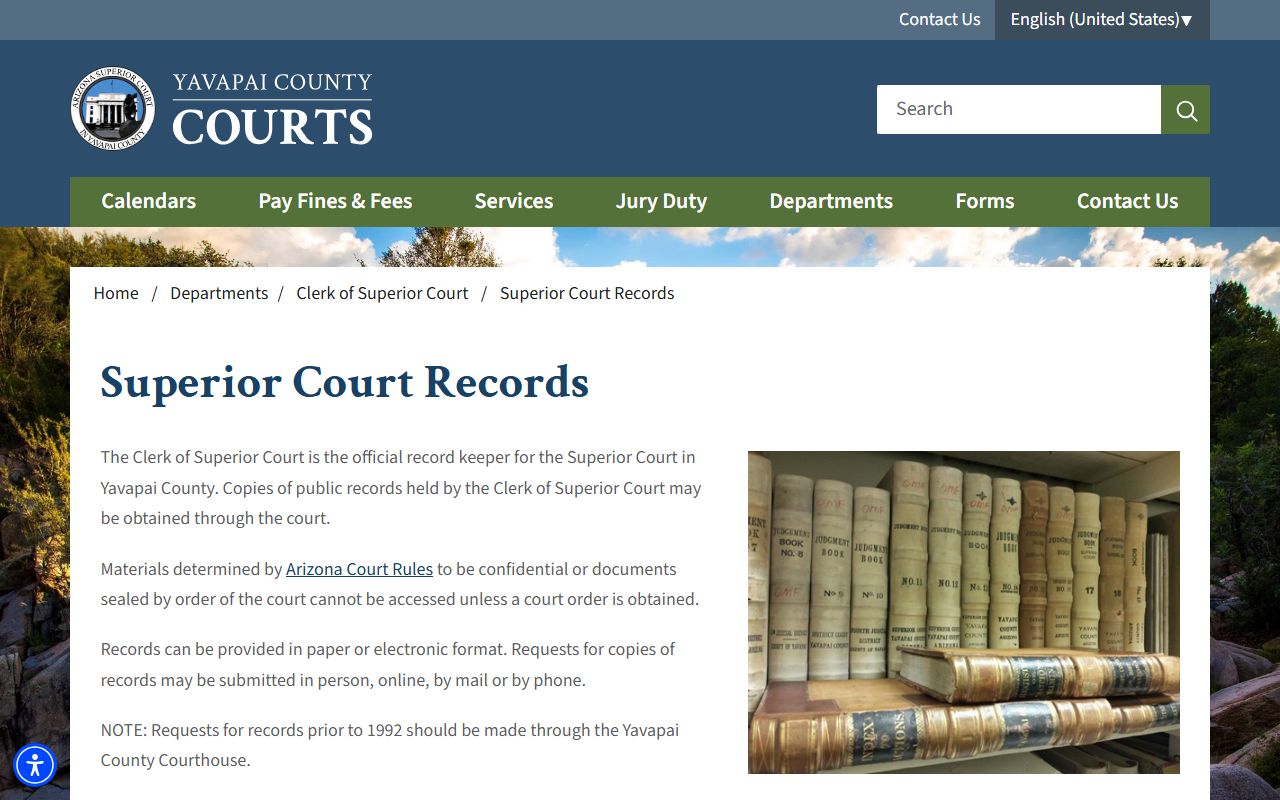
That page is the official source for Yavapai County court records request steps. It also lists the fee authority cited under A.R.S. § 12-284. Plain copies are $0.50 per page. Certified copies are $35 plus $0.50 per page.